Custom Domain for Links (CNAME)
You can use your own corporate domain for connection links and client invitations. This feature helps build customer trust and is especially useful for medium and large businesses.
You can use your own corporate domain for connection links and client invitations. This feature helps build customer trust and is especially useful for medium and large businesses.

Wake-on-LAN lets you turn on a remote computer that’s connected to the internet via a LAN cable (hence the name). This method works on most devices, but you’ll need to configure your device in advance.
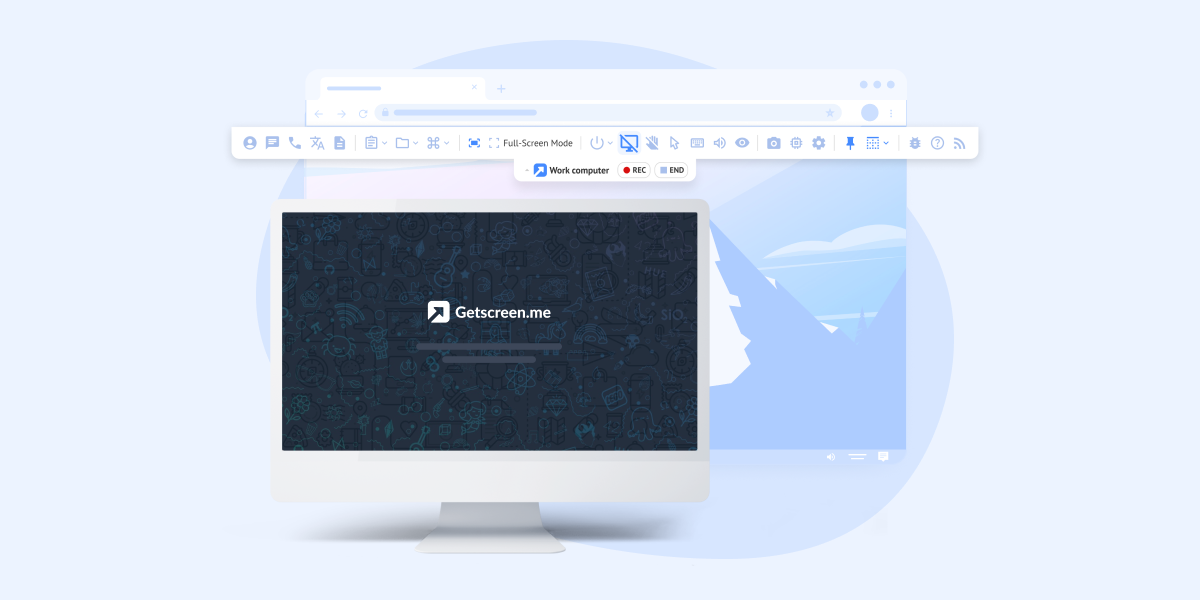
Protecting privacy during a remote access session is often crucial—especially when the remote computer is located in a public space or an open-plan office. The black screen feature lets you hide all activity on the remote computer so no one nearby can see what you’re doing.
Remote Desktop Manager (RDM) is a popular remote connection manager developed by Devolutions . It stores credentials and manages remote connections using a wide variety of supported protocols — from TeamViewer to native RDP or SSH.
If the accounts of your operators and administrators are already set up in your local Active Directory , you can import them into users within our system. They will be able to log in to their personal accounts using the same usernames and passwords.
Single-Sign On (SSO) technology simplifies employee access to the right tools and services and allows administrators to use advanced identity-based security. You can set up SSO for your employees using the Active Directory Federation System (ADFS). To do this, go to the Team section and select Single-Sign On:
Group Policy (GPO) is a feature of the Microsoft Windows NT family of operating systems that manages the working environment of user accounts and computer accounts. In this tutorial I will explain how to use it to perform a bulk agent installation.
Logging in remote access processes is essential for transparency and security. It records all technician actions, which helps investigate incidents and prevent misuse. In addition, logs allow administrators to ensure compliance with internal policies, company standards, and regulatory requirements.
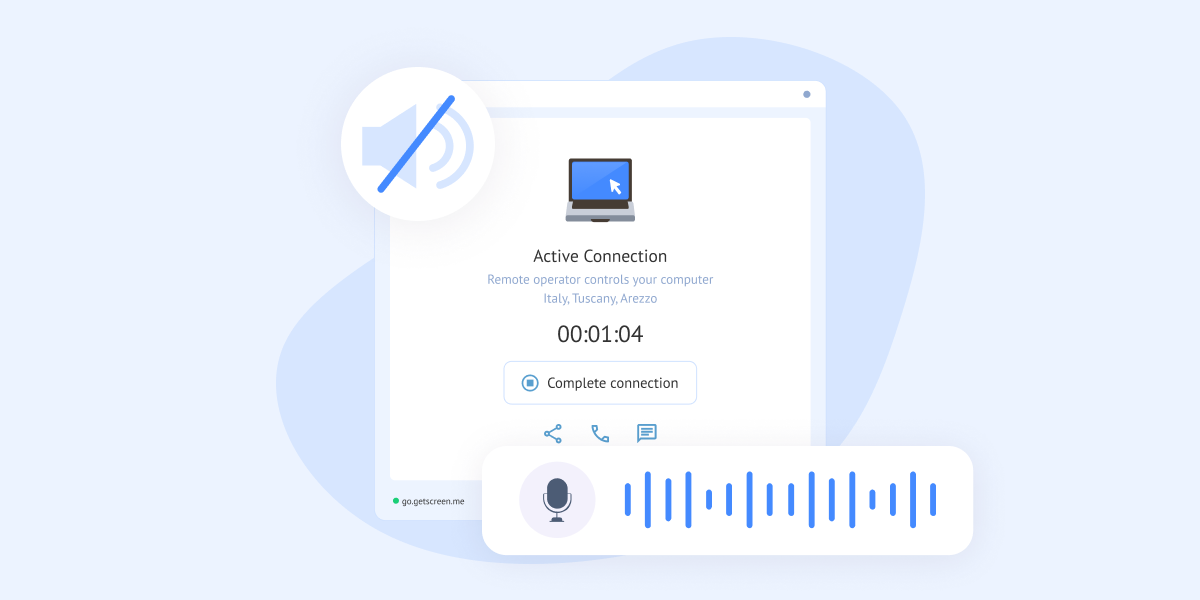
To capture audio output on MacOS devices, you need a special Loopback device. It allows you to output audio to an input device from which you can capture audio from a microphone.